How to Connect iCloud Mail and Calendar to ChatGPT
ChatGPT iCloud Mail and Calendar plugins let ChatGPT search your Apple inbox and update events, on every plan. Useful for freelancers and small shop owners on iPhone.
Many people I know use an iPhone, but their inbox is not Gmail. It is an old @icloud.com or @me.com address they have had for ten years. Until now, ChatGPT could not see it. On October 27, OpenAI added ChatGPT iCloud Mail and Calendar plugins, and they work on every plan, including Free.
What ChatGPT iCloud Mail and Calendar can do
There are two separate plugins. You can connect one or both.
- iCloud Mail: search and read your mail, catch up on your inbox, write drafts and look up contacts. MacRumors reports it can also send email.
- iCloud Calendar: check your schedule, create events and change existing ones. This includes events that other apps save to iCloud Calendar.
It works in ChatGPT on the web, on desktop and on iOS. Android is not mentioned. OpenAI shared it in the official ChatGPT post on X and in the ChatGPT release notes.
Who it helps
A freelance photographer. Client requests, location details and shoot dates are spread over many emails. Now you can ask one question and get the open requests and a calendar check in the same answer.
A small shop owner on an iPhone. Supplier mails and appointments live in Apple's apps because that is what came with the phone. You do not need to move to Gmail just to get help from AI.
How people use it so far
It is two days old, so I did not find real user stories yet. The first write-ups from Apple sites are mostly setup guides. The ideas they share are simple: a morning summary of unread mail with suggested replies, a list of emails that still need an answer, and moving a meeting with a confirmation before ChatGPT changes anything.
How to connect iCloud Mail and Calendar to ChatGPT
- Make sure two-factor authentication is on for your Apple Account.
- Go to account.apple.com, open Sign-In and Security, and create an app-specific password. Name it "ChatGPT".
- In ChatGPT, open Settings, then Plugins, and connect iCloud Mail and/or iCloud Calendar.
- For Mail, use your @icloud.com, @me.com or @mac.com address. For Calendar, use your main Apple Account email. They can be different.
Then try a prompt like this:
Look at my iCloud Mail from the last 3 days.
List emails from clients that still need a reply, as a table: sender, subject, what they want, deadline.
Then check my iCloud Calendar for this week and tell me where I have time for a 1 hour call.
Do not send or change anything. Ask me first.
The honest part
You give a chatbot access to your private mail. Read your work rules first, especially if your inbox has customer data. Only iCloud addresses work, not the Gmail or Outlook accounts you added to Apple Mail. If you change your Apple Account password, all app-specific passwords stop working and you must reconnect. And when you stop using it, disconnect in ChatGPT and also delete the password at account.apple.com. OpenAI does not say anything special about the EU, so check the Plugins list in your own account.
If you like practical AI tips like this, subscribe to my newsletter. One short entry a week, straight to your inbox.
Sources
- ChatGPT release notes (OpenAI)
- ChatGPT announcement on X
- Sign in to apps with your Apple Account using app-specific passwords (Apple Support)
- ChatGPT Can Now Access Your iCloud Mail and Calendar (MacRumors)
- iCloud Mail and Calendar plugins now work with ChatGPT (9to5Mac)
- ChatGPT can now tackle your iCloud inbox and calendar (Cult of Mac)
- ChatGPT Adds iCloud Mail and Calendar Plugins (iThinkDiff)
If this was useful
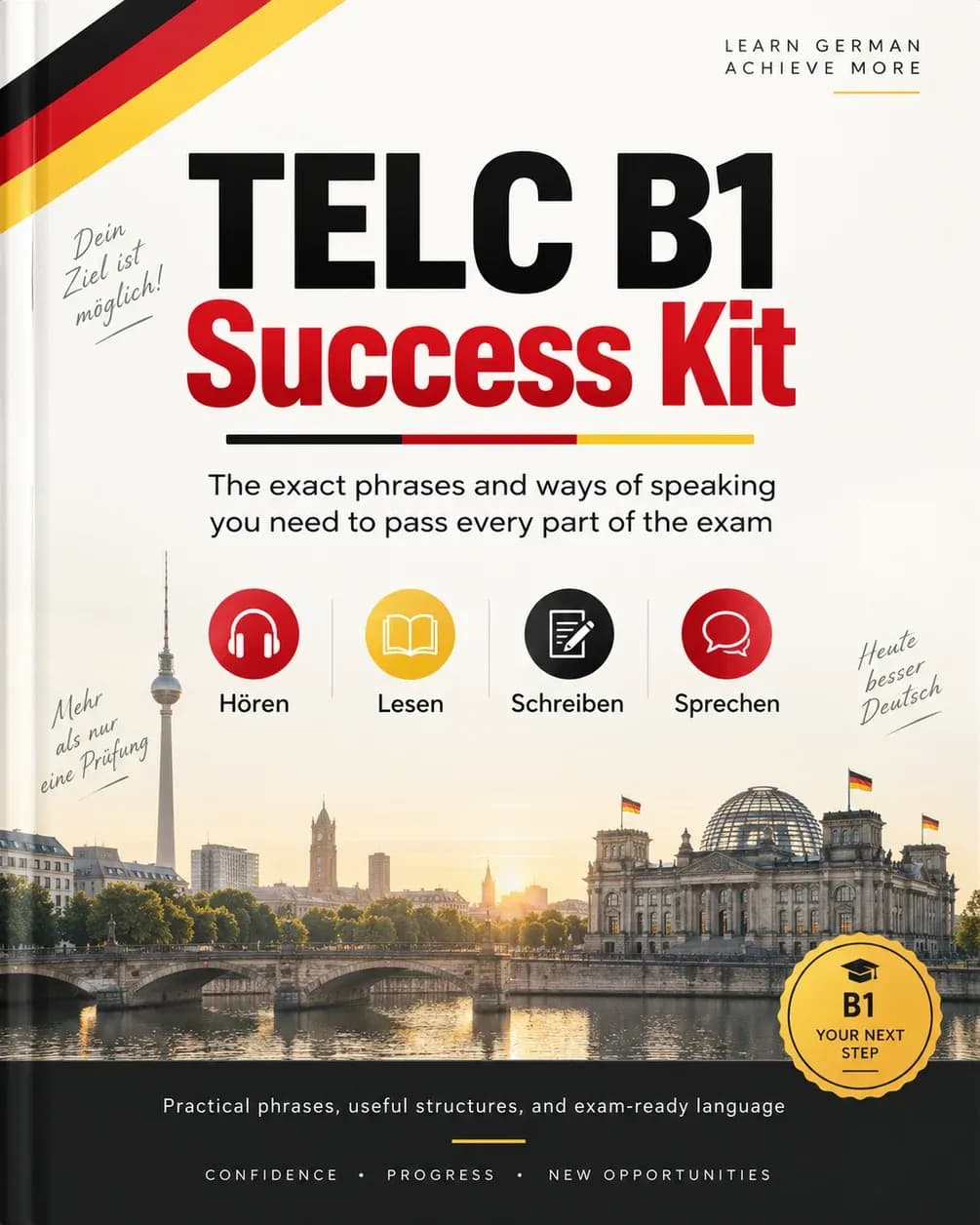
Telc German B1 Exam Success Kit (20/80 Rule)
The 20% of German that keeps showing up in the telc B1 exam. Learn it first and walk in already knowing what to expect. €25